
To trade crypto on Coinbase, first confirm that your verified account can access the asset and trading pair you want. For an unleveraged spot trade in Coinbase Advanced, select the pair, choose buy or sell, choose an order type, review the quantity and costs, then check the actual execution in your order history.
The important distinction is between submitting an order and receiving a fill. Clicking a button does not necessarily mean the whole trade happened, and a price on a chart is not a guaranteed execution price. This guide follows the order from preparation through the final receipt.
1. Prepare the account and identify the product
Use Coinbase's official app or a separately verified website address. Complete the identity checks required for your location, secure your account, and review the payment methods and limits displayed to you. Availability differs by region and account; a tutorial cannot establish your eligibility.
This walkthrough covers spot trading with available funds in Coinbase Advanced. Make sure the interface identifies the selected market as spot and that you are not enabling margin or selecting a futures contract. Familiar asset names can appear in different products with different obligations.
A simple buy or sell quote and an Advanced order-book trade are different workflows. If using the simple purchase interface, review that transaction's own price, fee and total. Do not assume a fee shown for an Advanced trade applies to a separate purchase screen.
If a promoter supplied the sign-in address, use the crypto website verification checklist before trusting the page. Cloned branding is separate from the order-entry mechanics covered here.
Before funding, decide what the trade is meant to test and how a loss would affect you. The starting-capital guide explains why an exchange minimum and a workable trading budget are different amounts.
2. Check which balance is available
Look at the balance available for the particular order. A displayed total account value does not mean every asset can fund every trading pair.
For example, a BTC-USD order uses USD as its quote currency. Holding another currency or crypto asset does not automatically make that balance available as USD. Check the selected funding asset before placing the order.
Also distinguish trading availability from withdrawal availability. Coinbase documents that some bank deposits can be used to trade while remaining temporarily unavailable to send or cash out. Read the hold and release information for your account rather than assuming a purchase means the proceeds can immediately leave the platform.
3. Read the pair before selecting buy or sell
In a pair such as BTC-USD, BTC is the base asset and USD is the quote currency. A displayed price tells you the quote-currency amount for one unit of the base asset.
| Order field | What to confirm |
|---|---|
| Market pair | The exact asset and quote currency you intend to exchange |
| Side | Buy the base asset, or sell base units already available |
| Quantity | Whether the input represents base units or quote-currency spending |
| Price | A maximum purchase price or minimum sale price when using a limit |
| Total cost | The order value and any separately displayed fee |
Do not type an amount until you know the input's unit. A hypothetical request to spend $100 differs from an order to buy 100 units of an asset.
4. Choose between a market and a limit order
A market order seeks immediate execution against available orders. It can fill across several prices, so its average execution price can differ from the latest chart price. It is unsuitable when you need an exact price ceiling or floor.
A buy limit specifies the most you will pay per unit; a sell limit specifies the least you will accept. The order may remain open or fill only partly. A limit controls the acceptable execution price, not whether execution happens.
Select the pair, side and order type in Advanced, then enter the size and any required price. Review execution and expiration settings where offered. Coinbase's post-only option rejects a limit order that would execute immediately; it does not guarantee a later fill.
A stop-limit order adds a trigger before placing a limit order. If price moves beyond that limit, an exit can remain unfilled. Learn that mechanism separately before relying on it to manage a position.
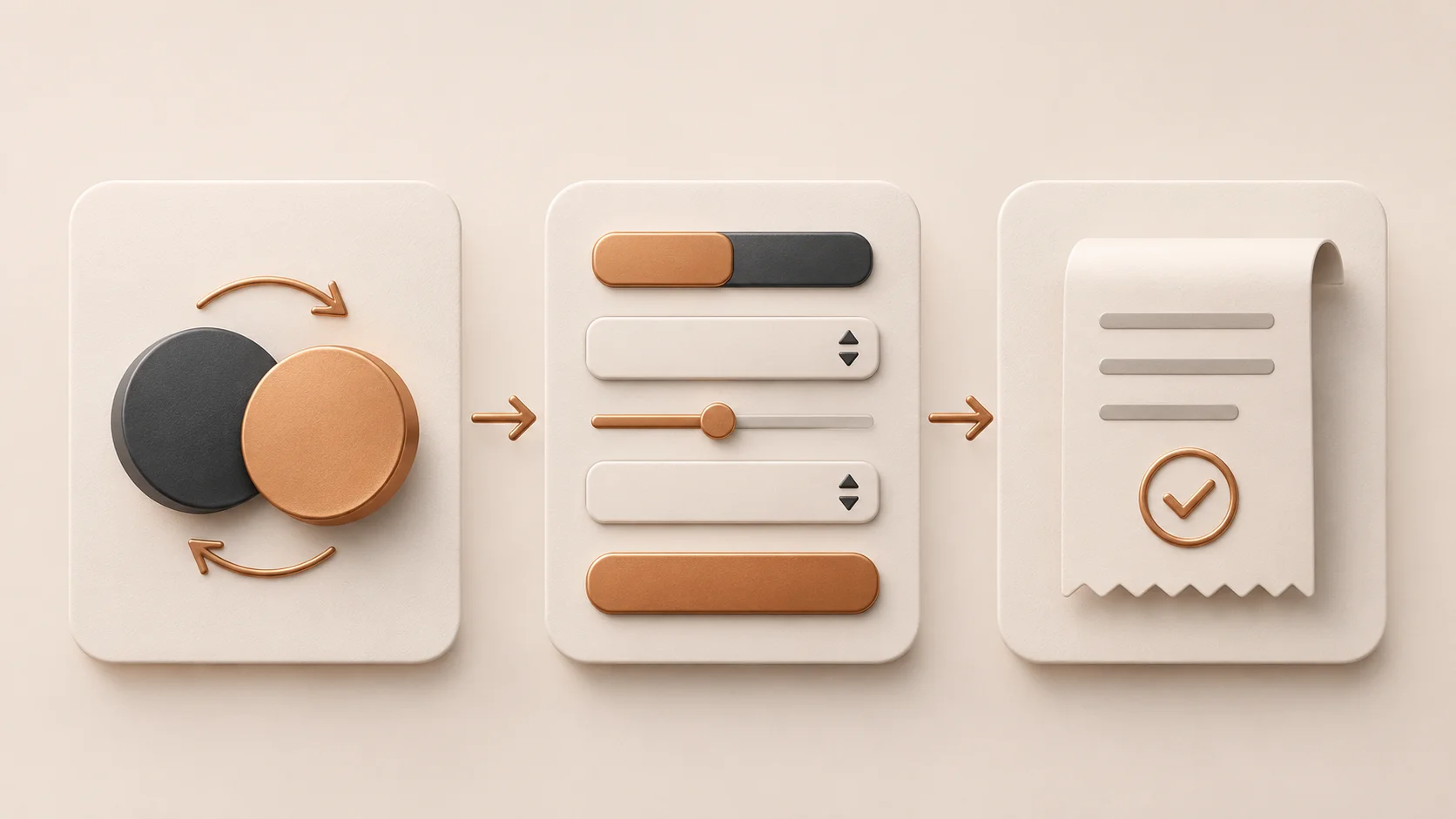
Conceptual illustration of pair selection, order review and fill confirmation. This is not a screenshot of the Coinbase interface.
5. Review the cost before submitting
Coinbase Advanced uses maker and taker pricing. An order that executes immediately removes liquidity and can pay the taker rate. A resting order can pay the maker rate when it later fills. Simply selecting “limit” does not establish which rate applies.
Check your signed-in fee tier and the order preview. Rates depend on the product, pair and applicable tier; the examples below are not current Coinbase quotations. Price movement, the bid–ask spread and slippage can affect the outcome beyond an explicit trading fee.
A hypothetical order calculation
Suppose an invented asset costs $20 per unit, you place a buy limit for 5 units, and the assumed fee is 0.40% of the filled value, charged separately in quote currency.
- If all 5 units fill at $20, the trade value is $100.
- The hypothetical fee is $100 × 0.004 = $0.40.
- The assumed total cash used is $100.40.
- If only 2 units fill at $20, that fill is $40 plus a $0.16 example fee; 3 units remain unfilled.
These amounts illustrate the receipt, not the interface's balance-reservation rules. Real previews determine required funds, minimum sizes, rounding and how fees are collected. A $100 spending limit cannot cover $100 of assets plus an additional fee without an adjustment.
Before submitting, read the side, pair, quantity, price settings, expiration and total once more. Record the intended order so the eventual receipt can be compared with it.
6. Check the order and its fills
Open the Orders area after submission. Inspect the status, filled quantity, average execution price and total fee. Save the timestamp and order identifier for your records.
An open order is still an instruction waiting for execution. A partially filled order has already exchanged some assets, even if a remainder is outstanding. Cancelling that remainder does not reverse completed fills. An already filled order cannot be cancelled to undo the trade.
If a screen stalls or the result is unclear, inspect order history before submitting again. A second order can create exposure beyond what you intended.
7. Treat selling and cashing out as separate steps
To sell spot holdings in Advanced, select the appropriate pair, choose sell, and repeat the same size, price and fee checks. A completed sale credits the pair's quote asset. It does not automatically transfer money to a bank account, and selling into another crypto asset is not the same as receiving cash.
Keep entry and exit receipts together when calculating the result. Include fees on both sides and preserve records needed for your own accounting. Review the platform's available-to-cash-out balance separately if you later want to withdraw.
A useful first milestone is being able to explain every field on the receipt and reconcile it with the order you intended. That operational skill does not establish a profitable strategy, but it makes avoidable execution mistakes easier to spot.
Educational walkthrough, not a recommendation to use a particular exchange or buy an asset. Interface and product details checked November 21, 2026.